> ## Documentation Index
> Fetch the complete documentation index at: https://docs.superjoin.ai/llms.txt
> Use this file to discover all available pages before exploring further.
# Connect Recurly to Google Sheets
> Easily link your Recurly account to Google Sheets with Superjoin for seamless data integration and automatic updates.
Please note that the Recurly integration is in beta at the moment. If you face any issues, please reach out to us at
[support@superjoin.ai](mailto:support@superjoin.ai) and we will help you asap!
### Why use Superjoin’s Google Sheets-Recurly Integration?
We've meticulously organized the data points to ensure easy accessibility in a format you're already familiar with.
Get a sneak peek of your data. Select columns, apply filters & limits as per your need before importing.
Enjoy one-click refreshes or schedule regular updates to ensure your sheets are always up to date.
Benefit from Google Sheets' collaborative data analysis & other powerful capabilities.
## Step-by-step walkthrough: How to obtain Recurly API keys
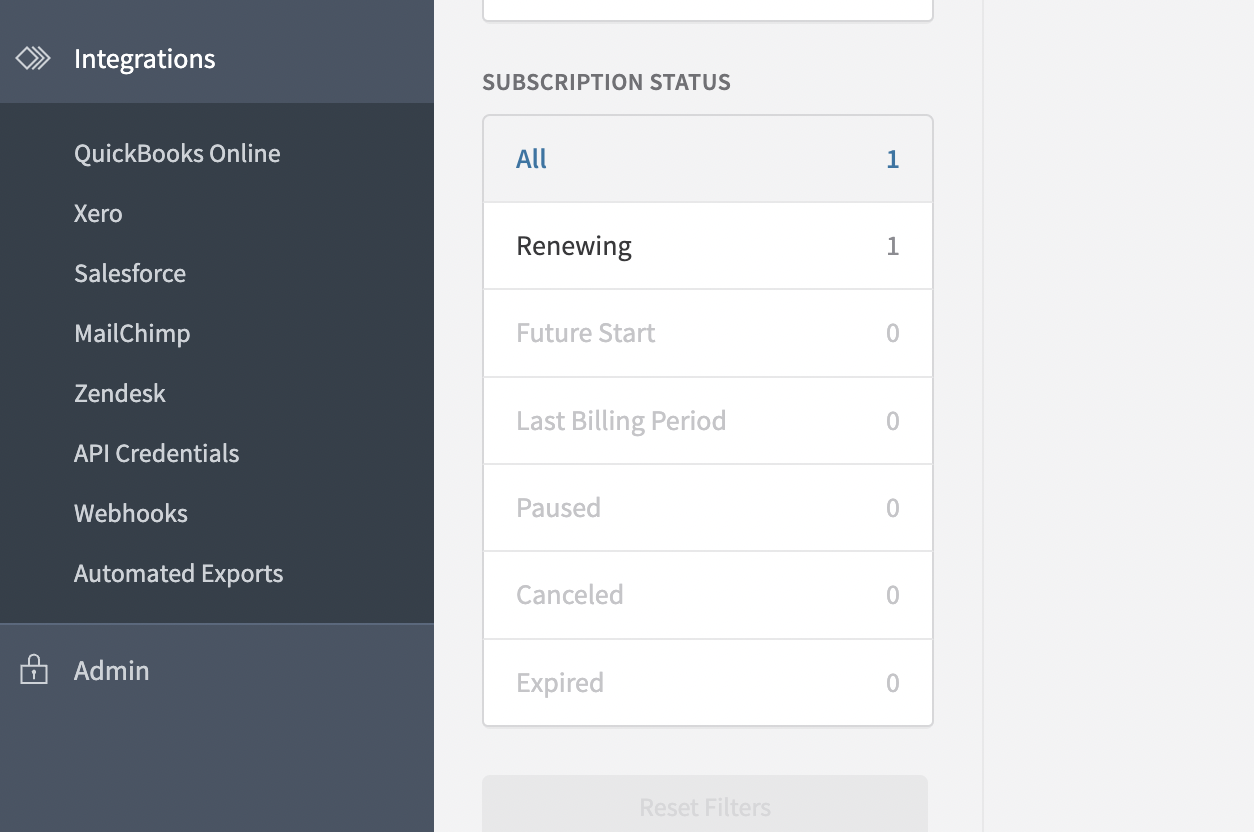
Navigate to Integrations > API Credentials -: as a User assigned a Role that includes the Integration permission.
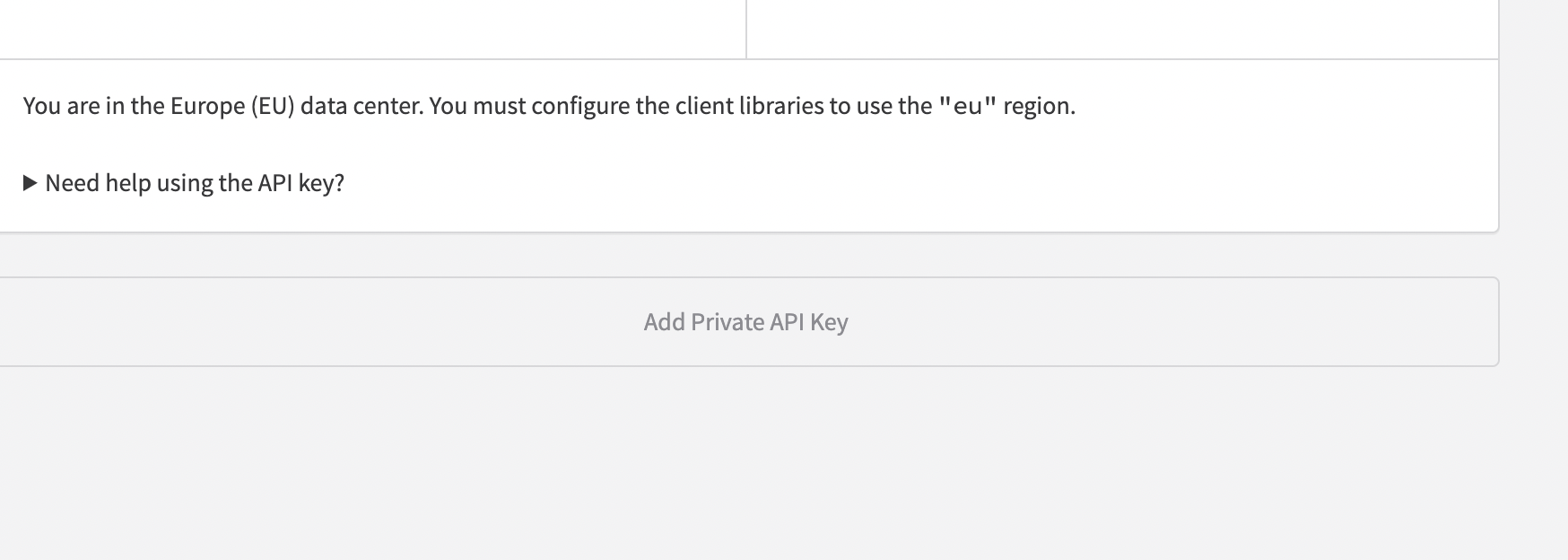
 Scroll to the bottom and select Add Private API Key.
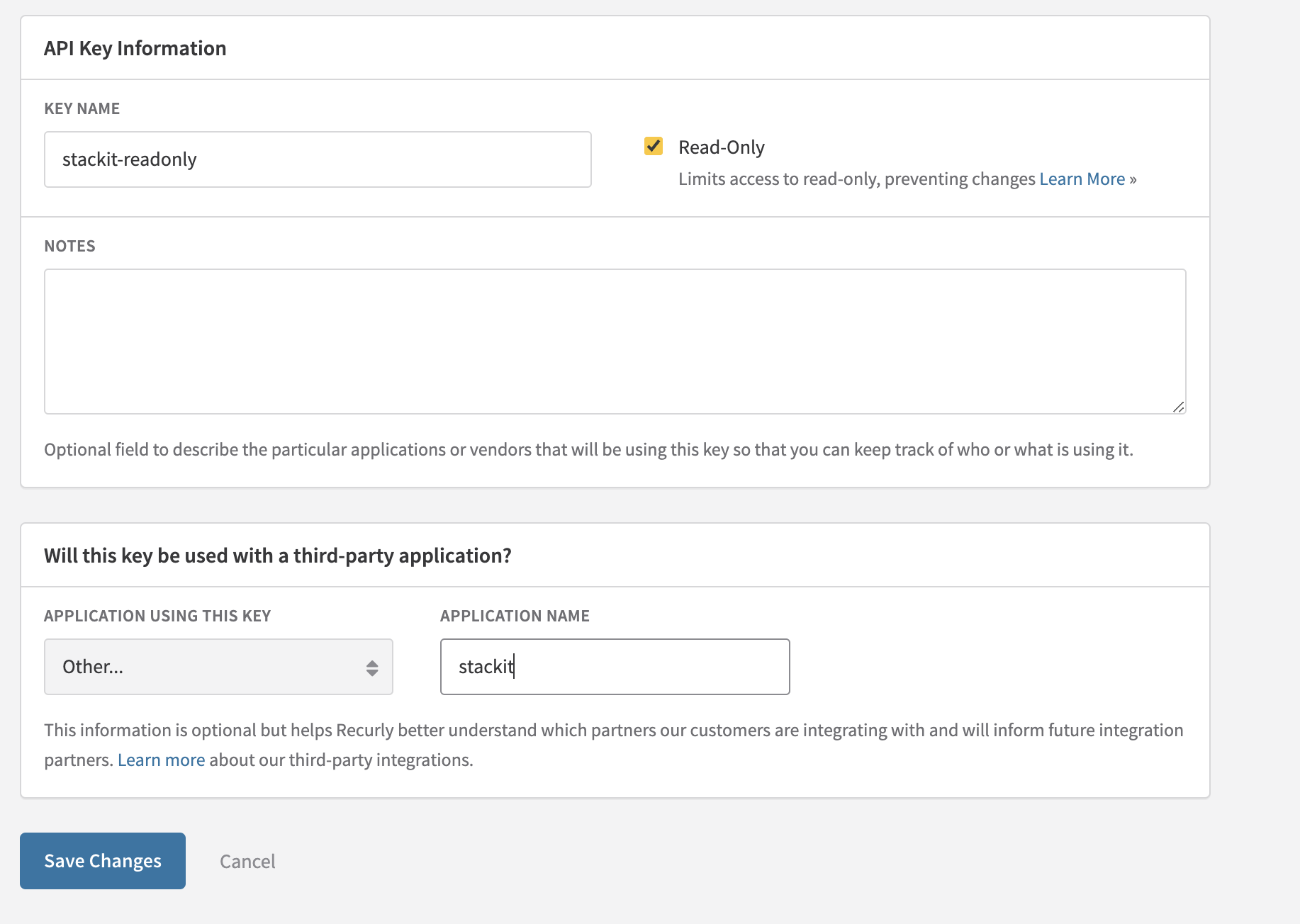
 Assign a name - Superjoin-readonly to your API key and specify the third-party application it's intended for - Superjoin.
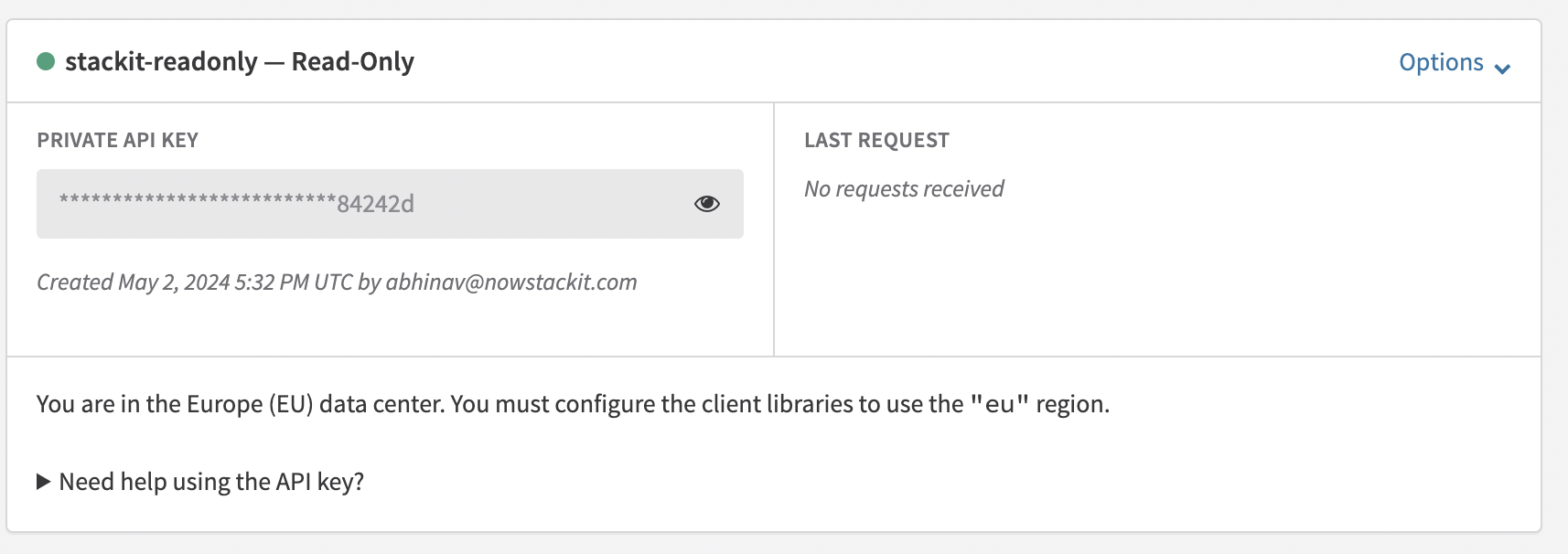
 Confirm by clicking Save Changes. You can copy the keys now.
 For more details, use Recurly Documentation: [https://docs.recurly.com/docs/api-keys#section-find-or-generate-your-api-key](https://docs.recurly.com/docs/api-keys#section-find-or-generate-your-api-key)