> ## Documentation Index
> Fetch the complete documentation index at: https://docs.superjoin.ai/llms.txt
> Use this file to discover all available pages before exploring further.
# How to get Zendesk API key?
> Here are the steps to acquire API key from Zendesk.
## Step-by-step walkthrough: How to get Zendesk API
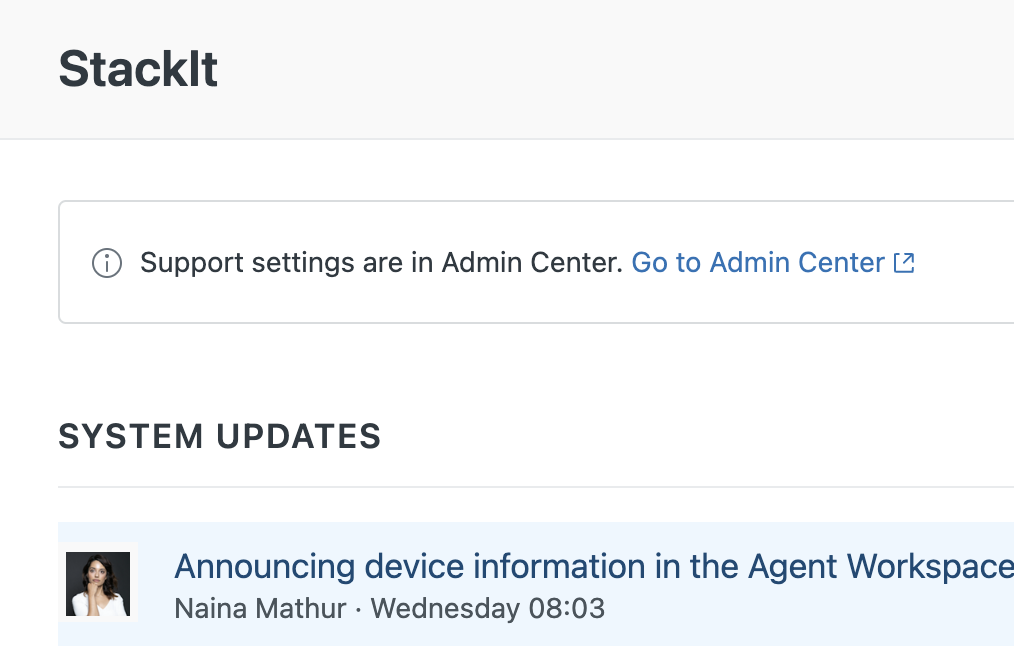
Log in to your Zendesk account. Click the Zendesk Products icon (four squares) in the top-right corner, then select Admin Center
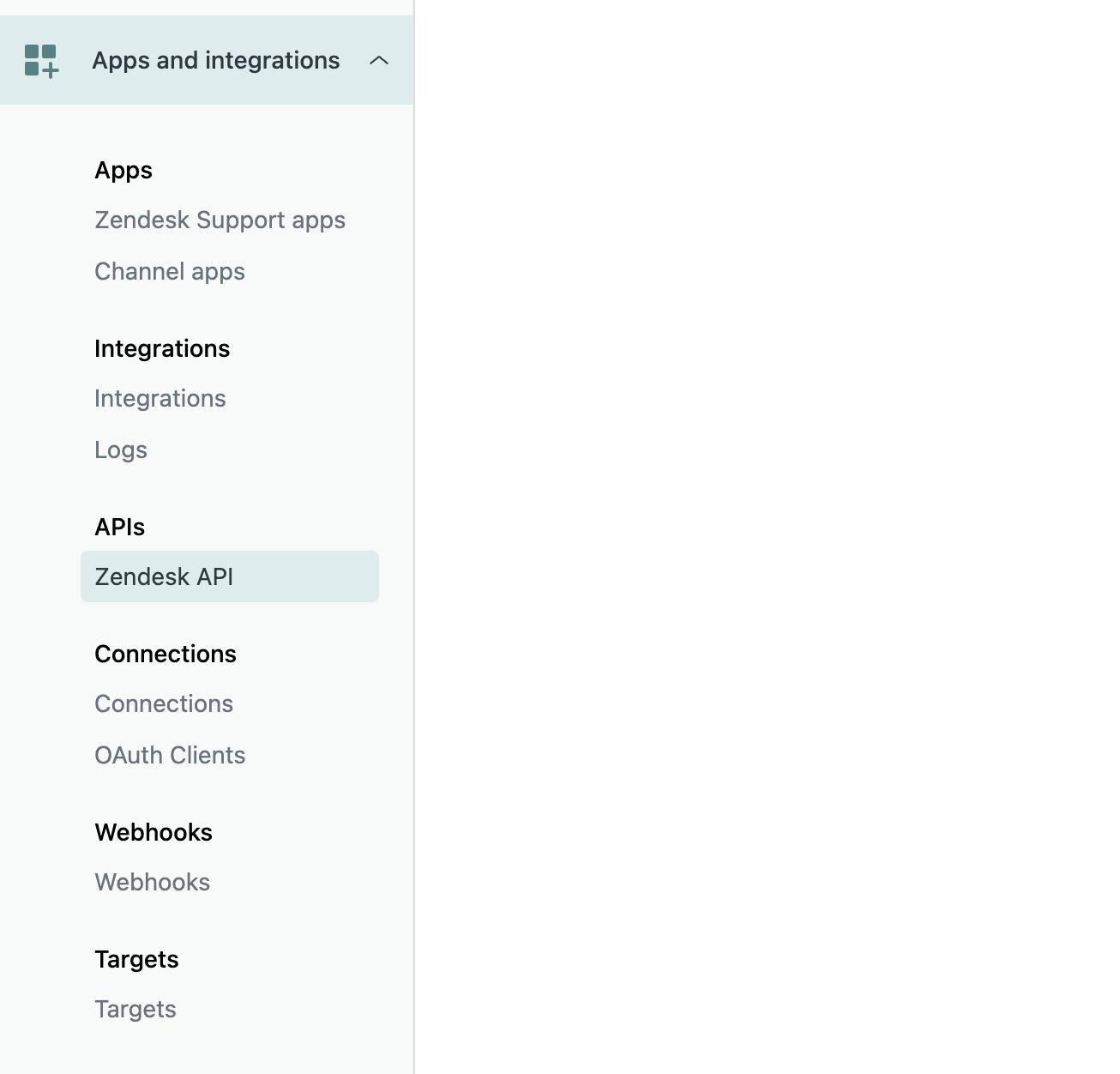
 In the left navbar, click Apps and Integrations, then select APIs > Zendesk API.
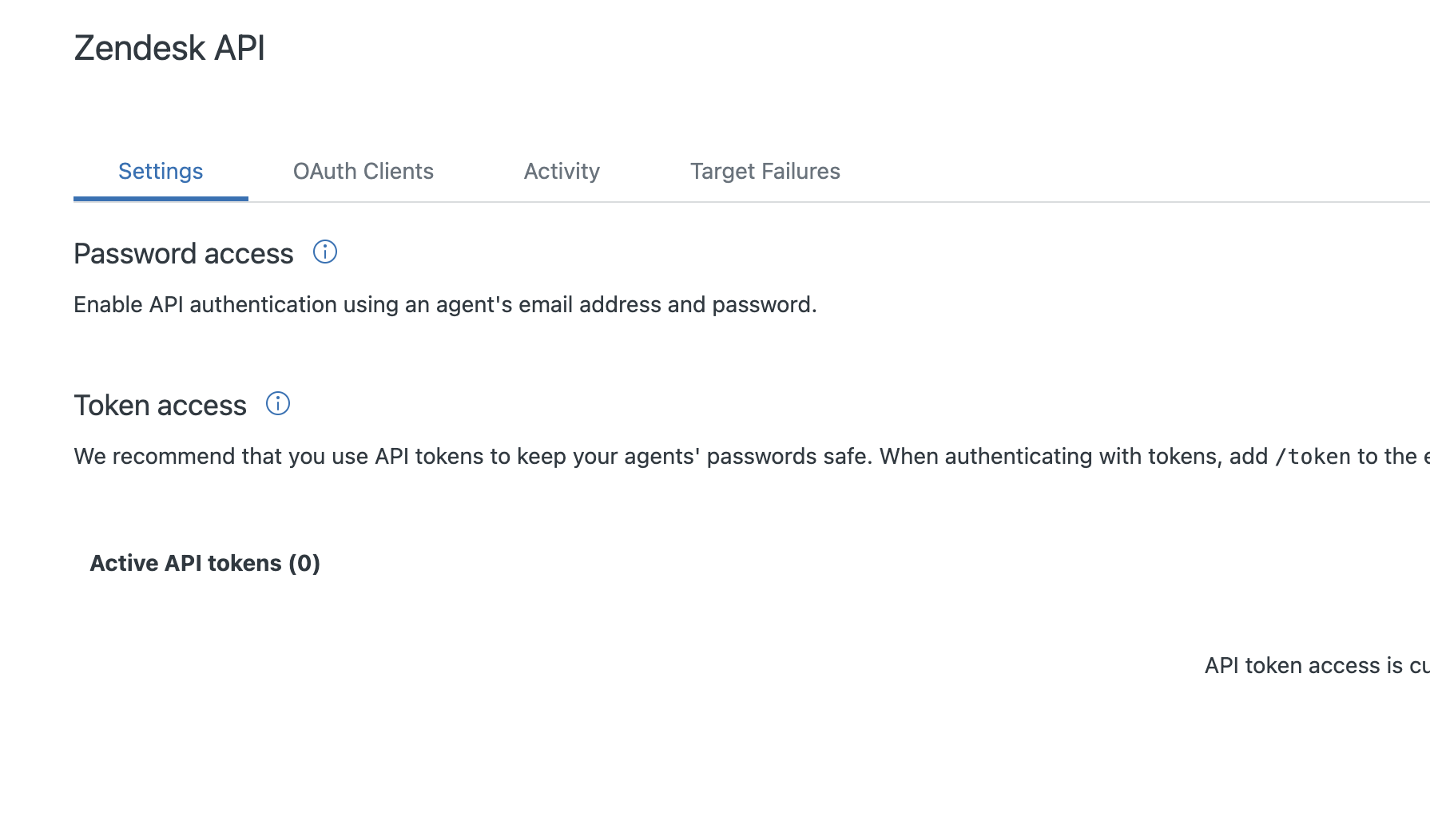
 In the Settings tab, toggle the option to enable token access.
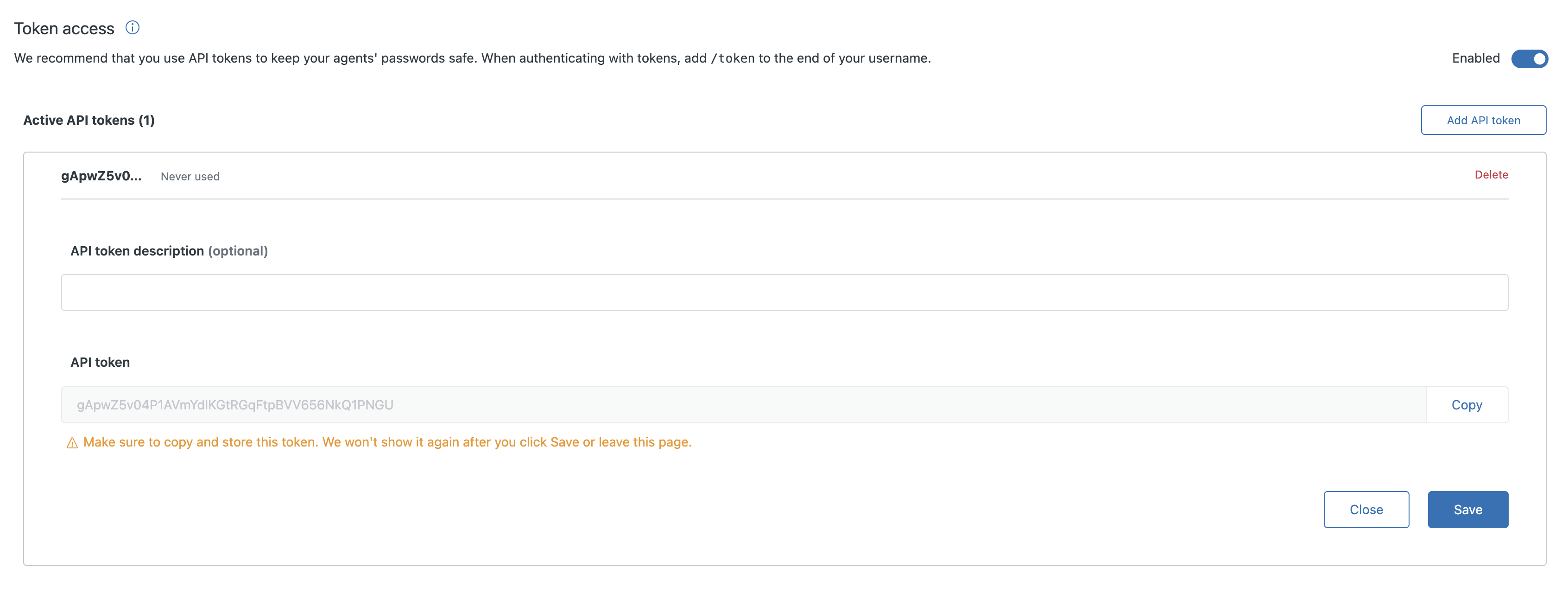
 Click the Add API token button. You may optionally provide a token description.
 For more details, use Zendesk Documentation:
[https://support.zendesk.com/hc/en-us/articles/4408889192858-Managing-access-to-the-Zendesk-API#topic\_bsw\_lfg\_mmb](https://support.zendesk.com/hc/en-us/articles/4408889192858-Managing-access-to-the-Zendesk-API#topic_bsw_lfg_mmb)
## Setting up Zendesk
Head over to the Zendesk overview page to get a step by step guide to
connect.
For more details, use Zendesk Documentation:
[https://support.zendesk.com/hc/en-us/articles/4408889192858-Managing-access-to-the-Zendesk-API#topic\_bsw\_lfg\_mmb](https://support.zendesk.com/hc/en-us/articles/4408889192858-Managing-access-to-the-Zendesk-API#topic_bsw_lfg_mmb)
## Setting up Zendesk
Head over to the Zendesk overview page to get a step by step guide to
connect.