> ## Documentation Index
> Fetch the complete documentation index at: https://docs.superjoin.ai/llms.txt
> Use this file to discover all available pages before exploring further.
# Delete Connected HubSpot Account
> Step by Step guide to delete your HubSpot account from Superjoin
Please note that deleting a HubSpot connection from Superjoin is permanent. You may not be able to recover it again.
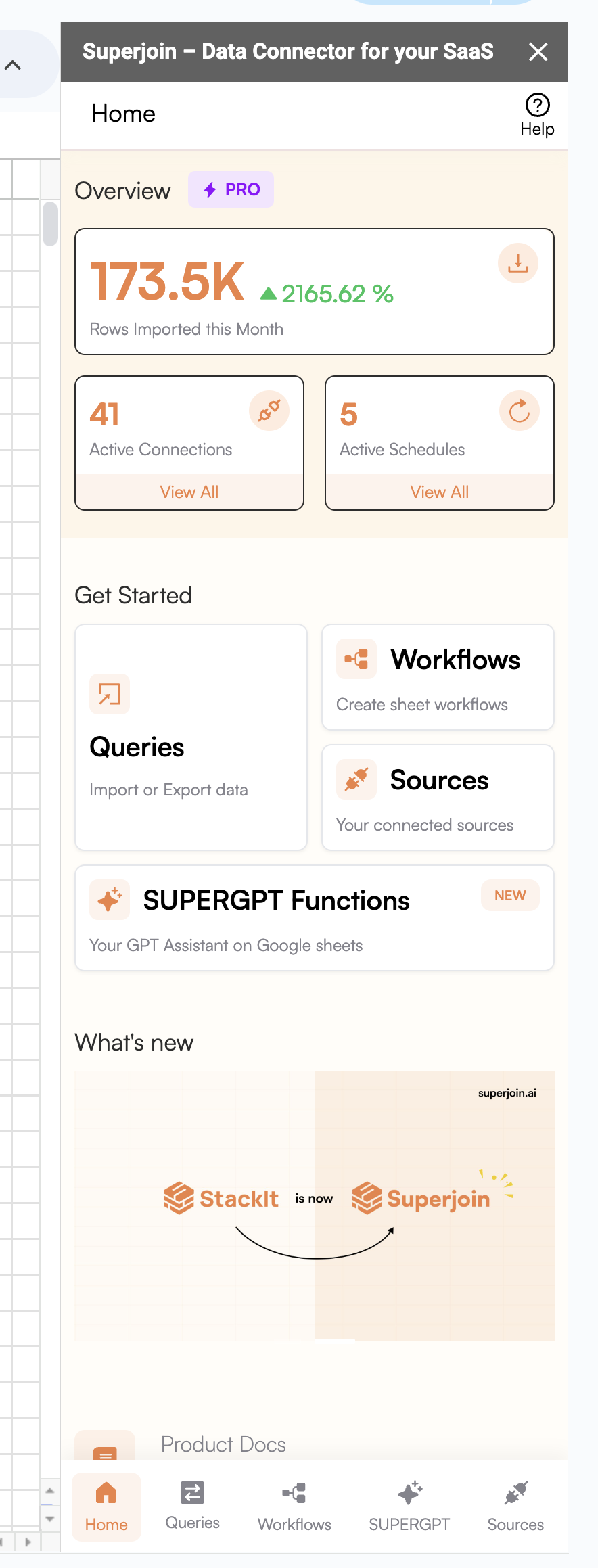
Launch Superjoin and Navigate to 'Sources' from the bottom navigation pane.
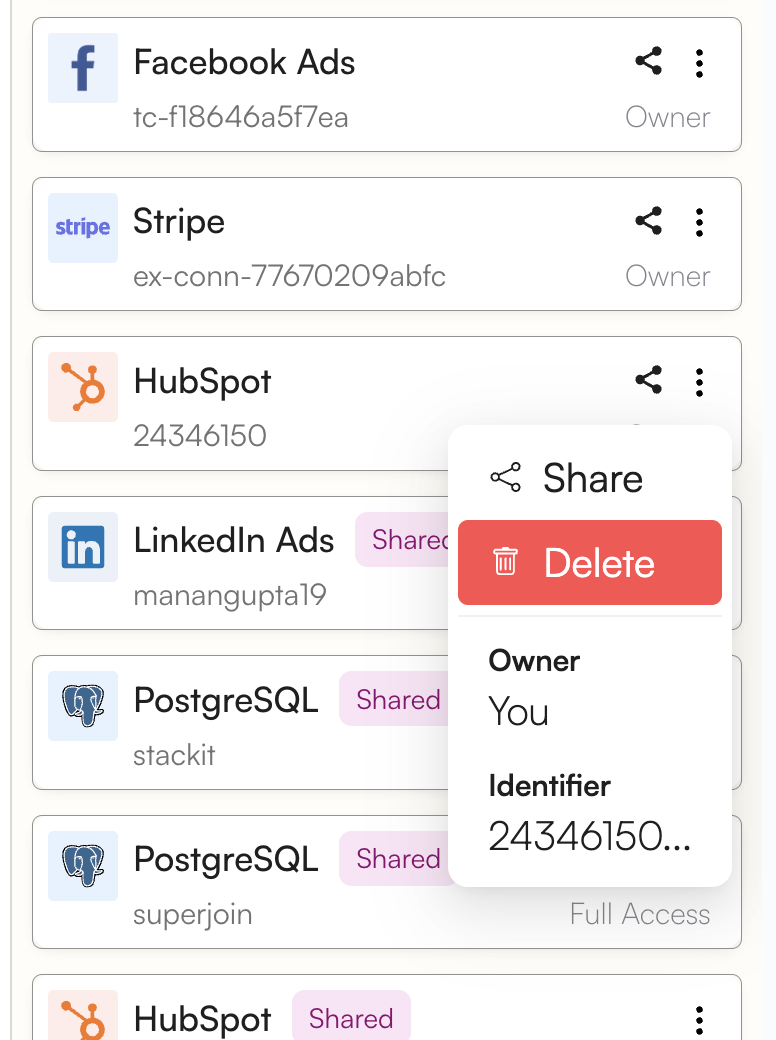
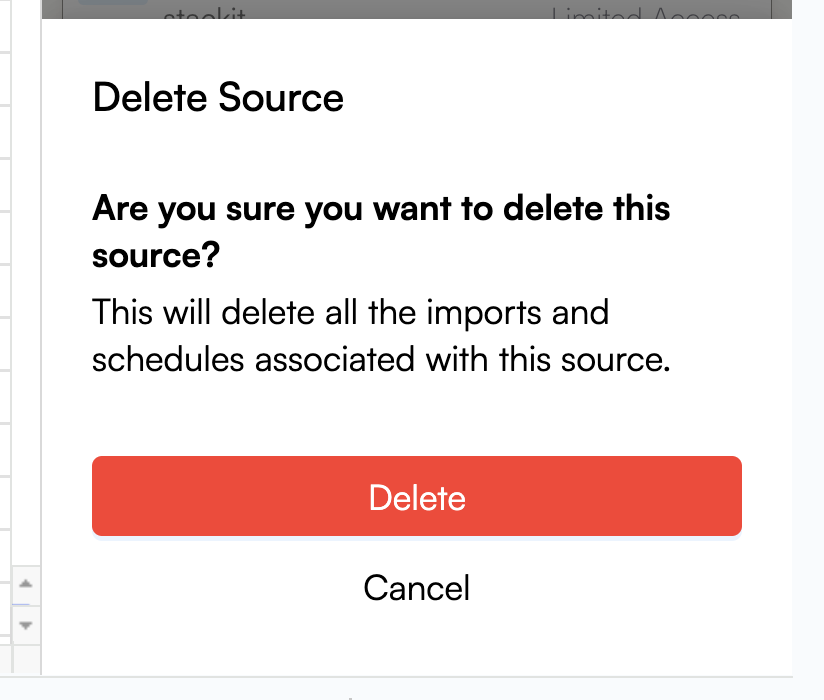
 Click on the 3-dot menu of the HubSpot account you wish to delete. Click on Delete and confirm it.
When you delete a connection on Superjoin, all associated imports/exports will also be deleted & the associated import schedules will be
stopped. Your imported sheets however will not be impacted due to a deletion of an object.
Click on the 3-dot menu of the HubSpot account you wish to delete. Click on Delete and confirm it.
When you delete a connection on Superjoin, all associated imports/exports will also be deleted & the associated import schedules will be
stopped. Your imported sheets however will not be impacted due to a deletion of an object.