1
Launch Superjoin
Open Superjoin by clicking on the icon that is on the top right of your Google Sheets.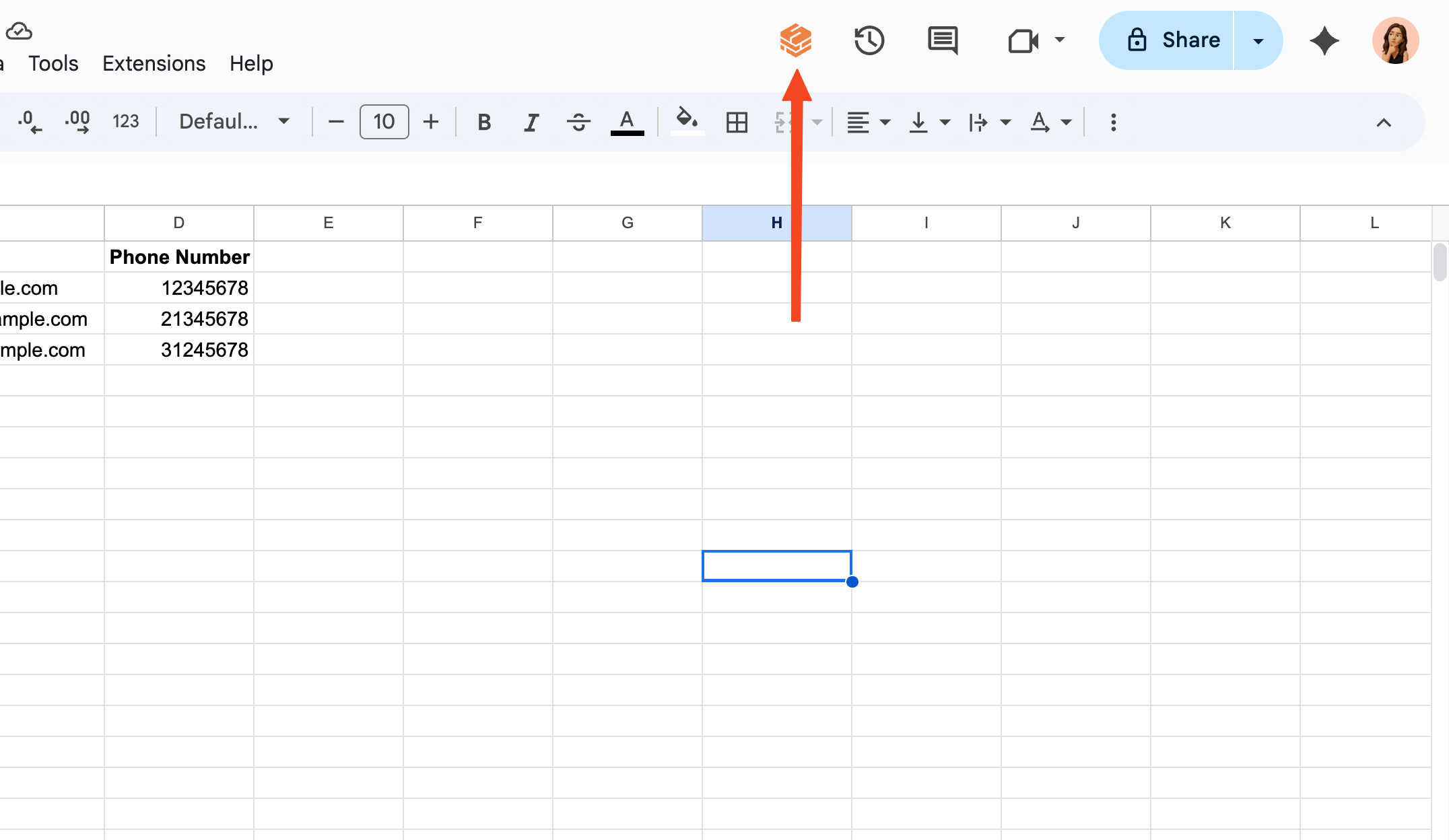
2
Go to Workflows
Click on the “Workflows” button in the homepage to access the Workflows tab.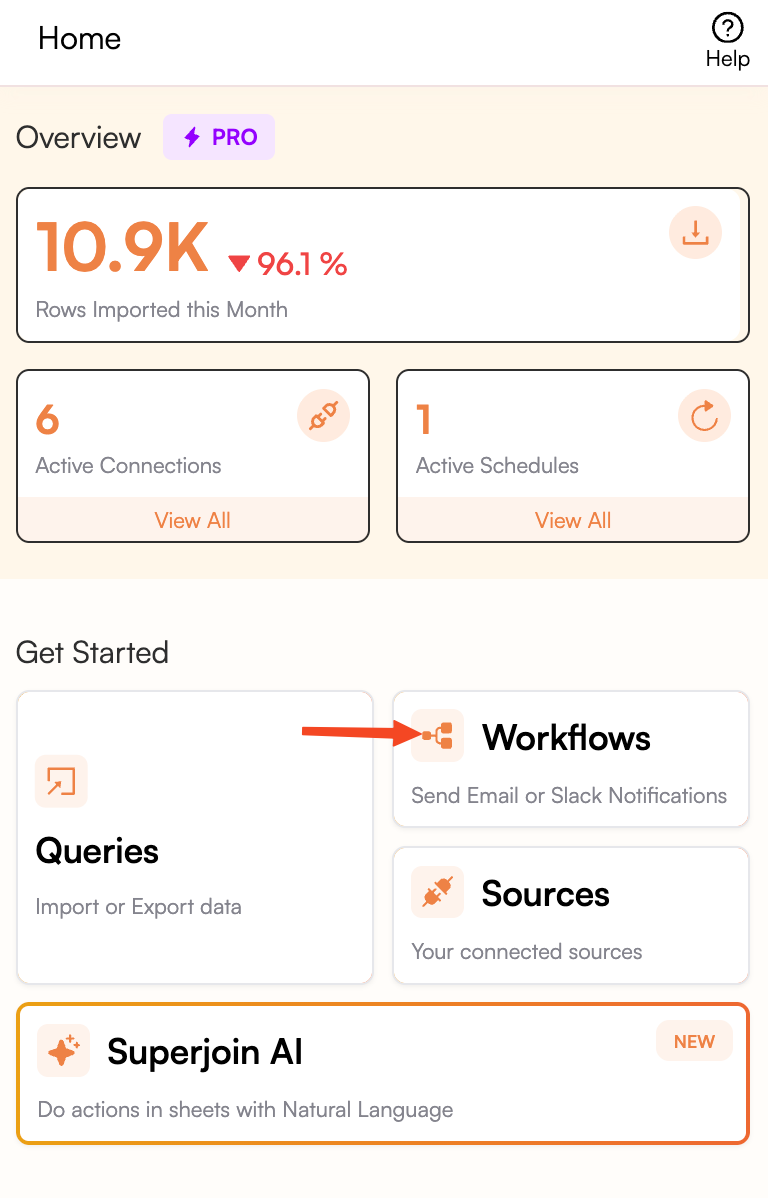
3
Select the right Workflow
Click on the 3 dots next to the Workflow that you want to see the history for.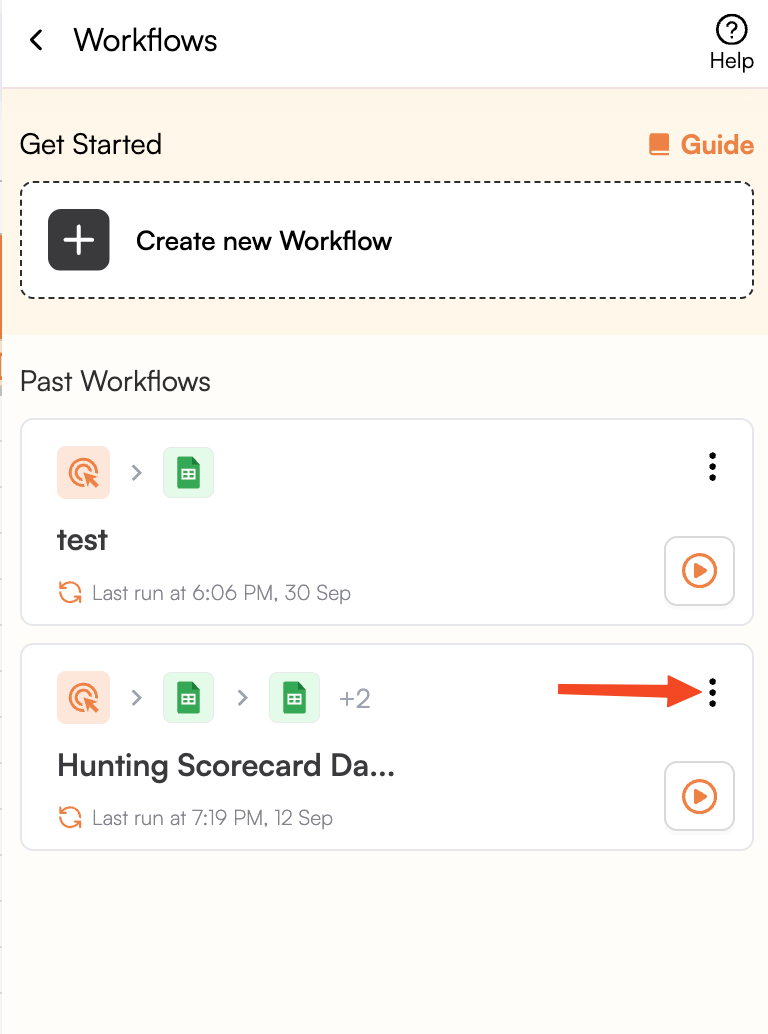
4
Go to Query details
Select “Timeline” from the dropdown.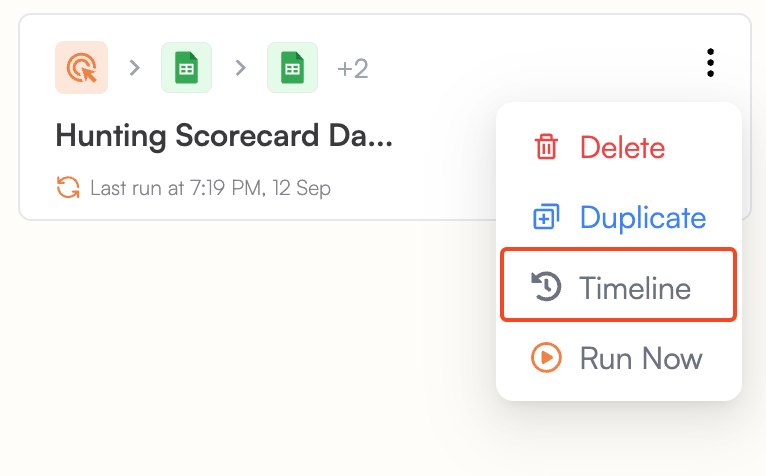
5
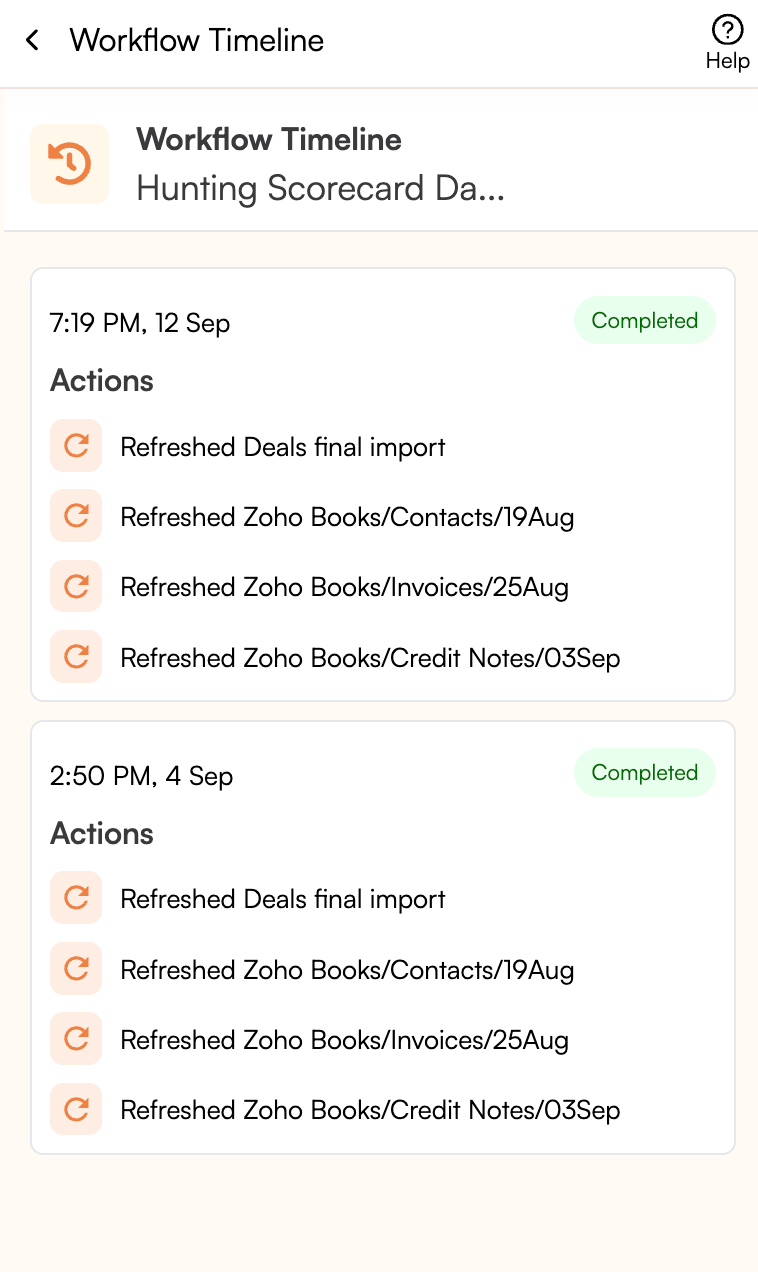
You're all set!
Congratulations! You can now see the history of Workflow runs using Superjoin.