

1
Open your HubSpot query
After creating a HubSpot import query, open it in the 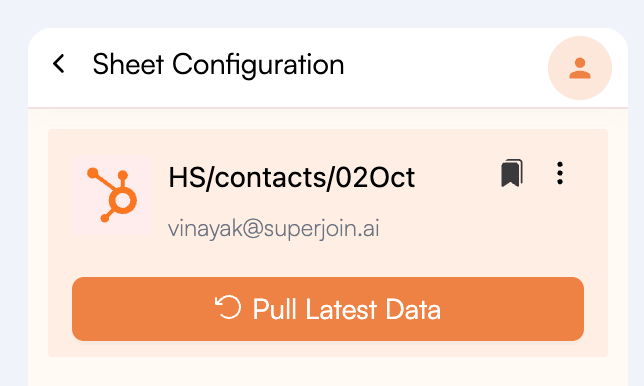
Sheet Configuration screen. Click the bookmark icon next to the query name.2
Save your query
Enter a name and an optional description for the query, then click 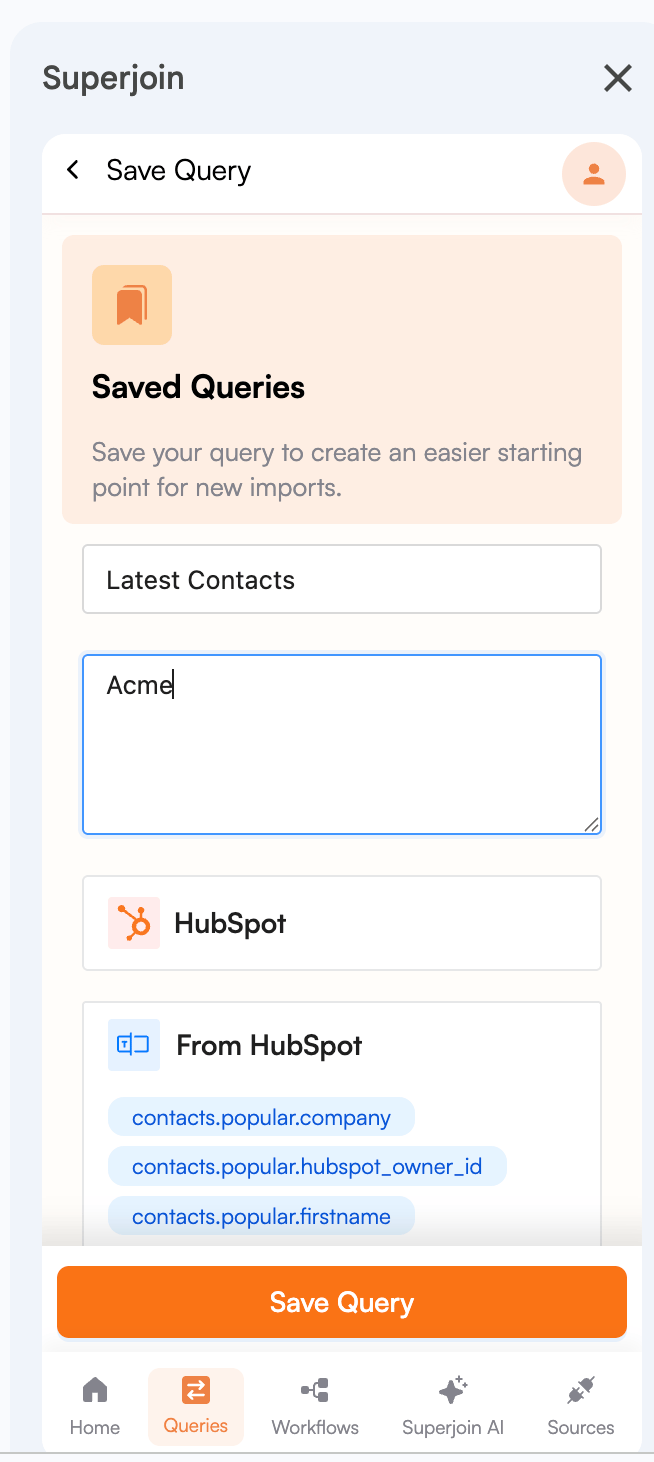
Save Query.3
Share the query
Once the query is saved, click 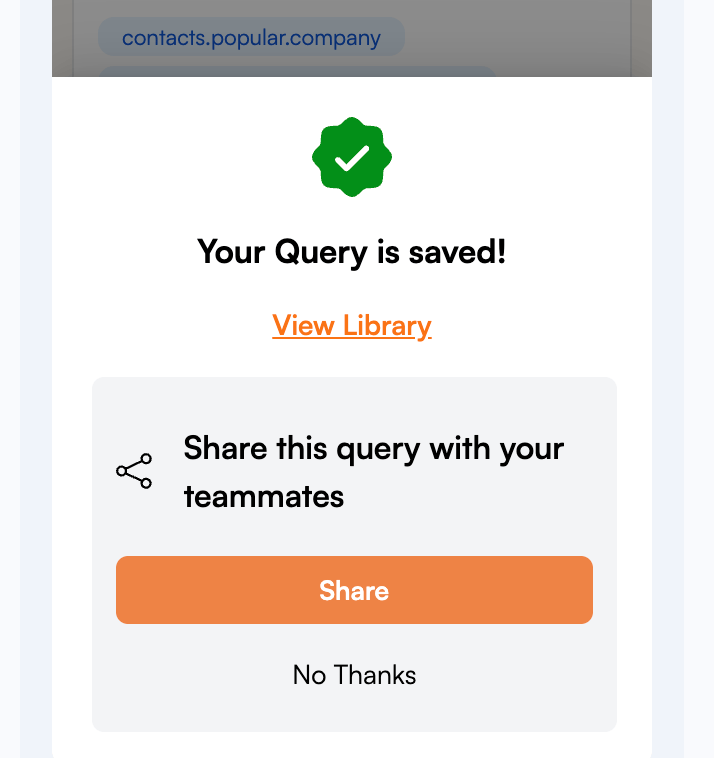
Share to share it with your teammates.