

1
Launch Superjoin
Open Superjoin by clicking on the icon that is on the top right of your Google Sheets.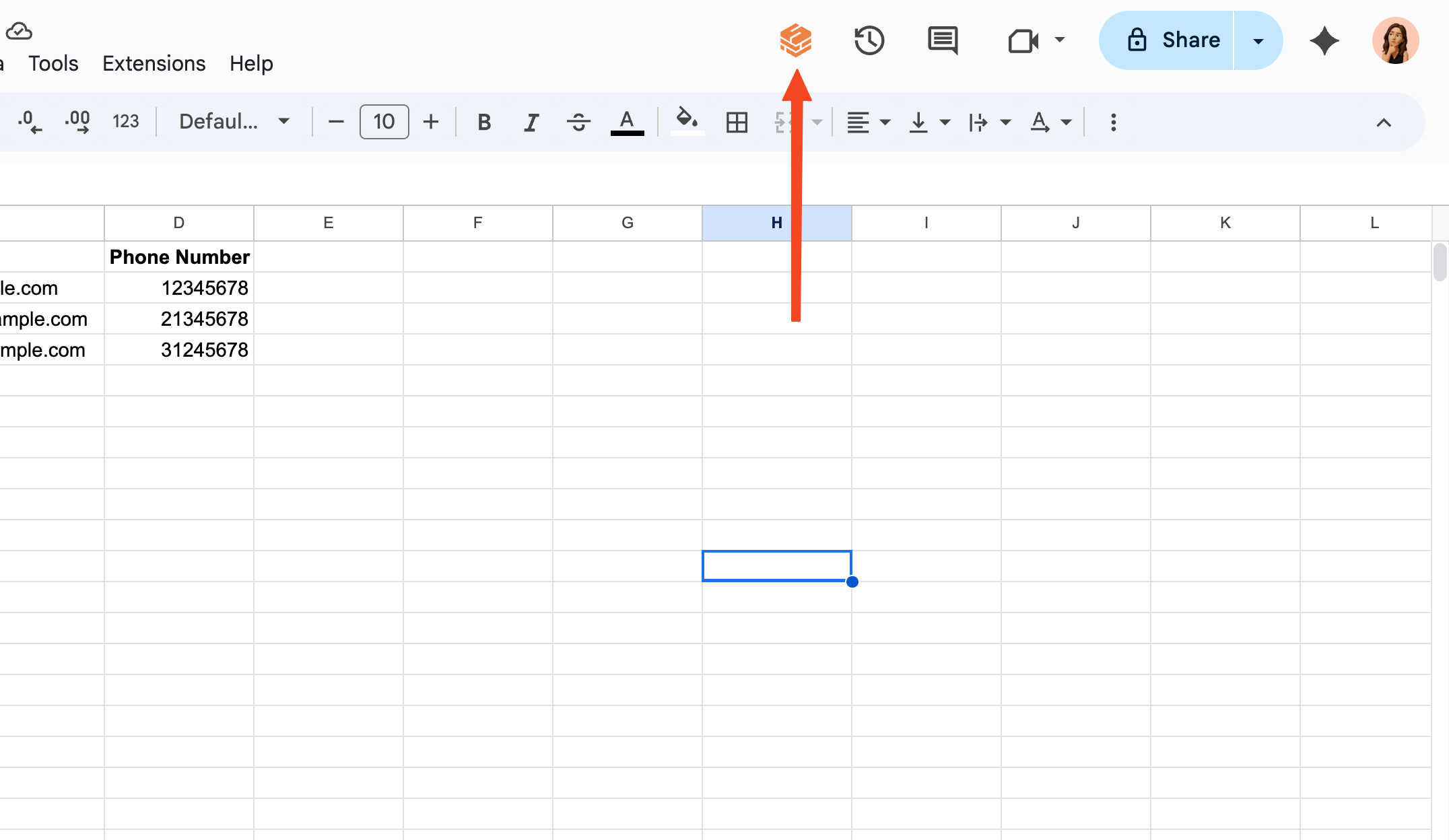
2
Go to Account Management Dashboard
Click the purple button on the top of the screen that shows your current plan and click on “Manage Subscription” button.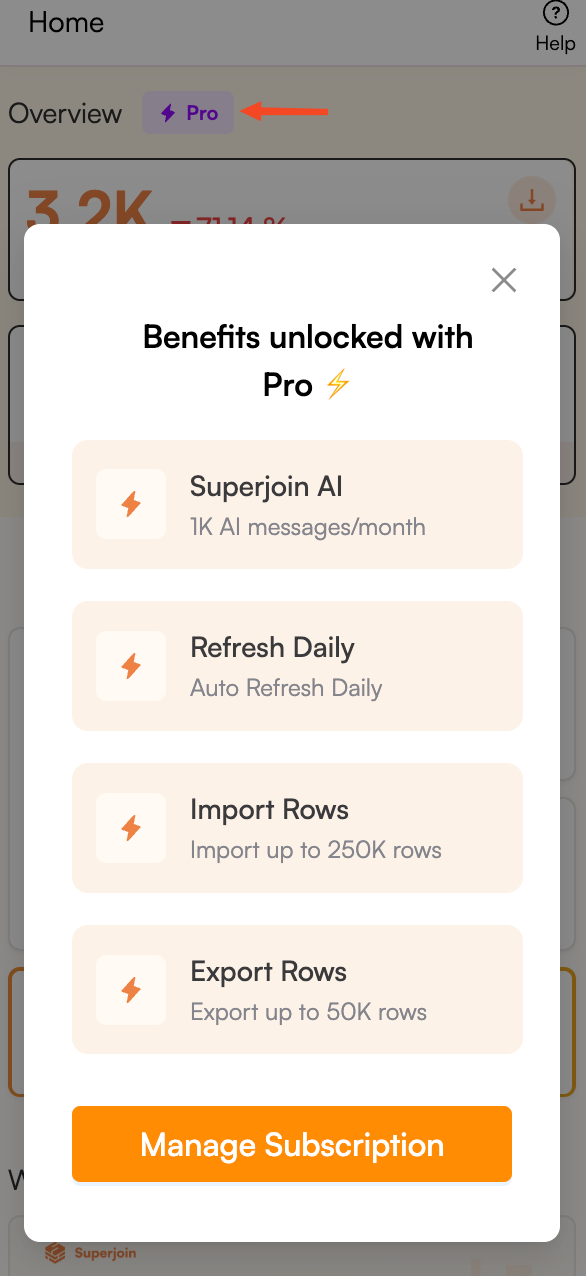
3
Choose to Cancel your Subscription
In the Account Management Dashboard, click on the “Cancel Subscription” button on the top right of the screen.
4
Confirm to Cancel your Subscription
Click the “Cancel Subscription” button in the confirmation page to finalize the cancellation.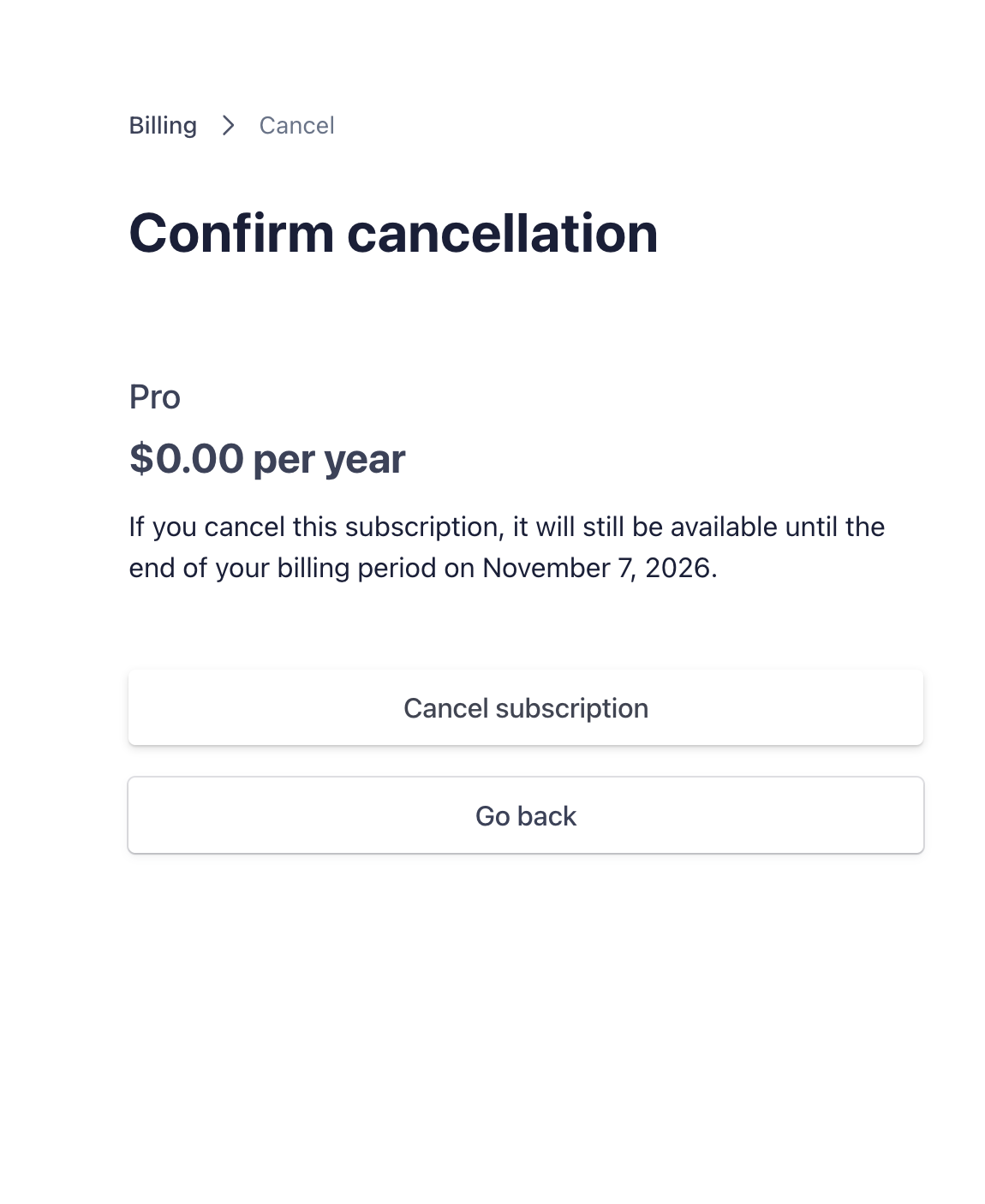
5
You're all set!
Congratulations! You have successfully canceled your Superjoin subscription. You will continue to have access to Superjoin features until the end of your current billing cycle.