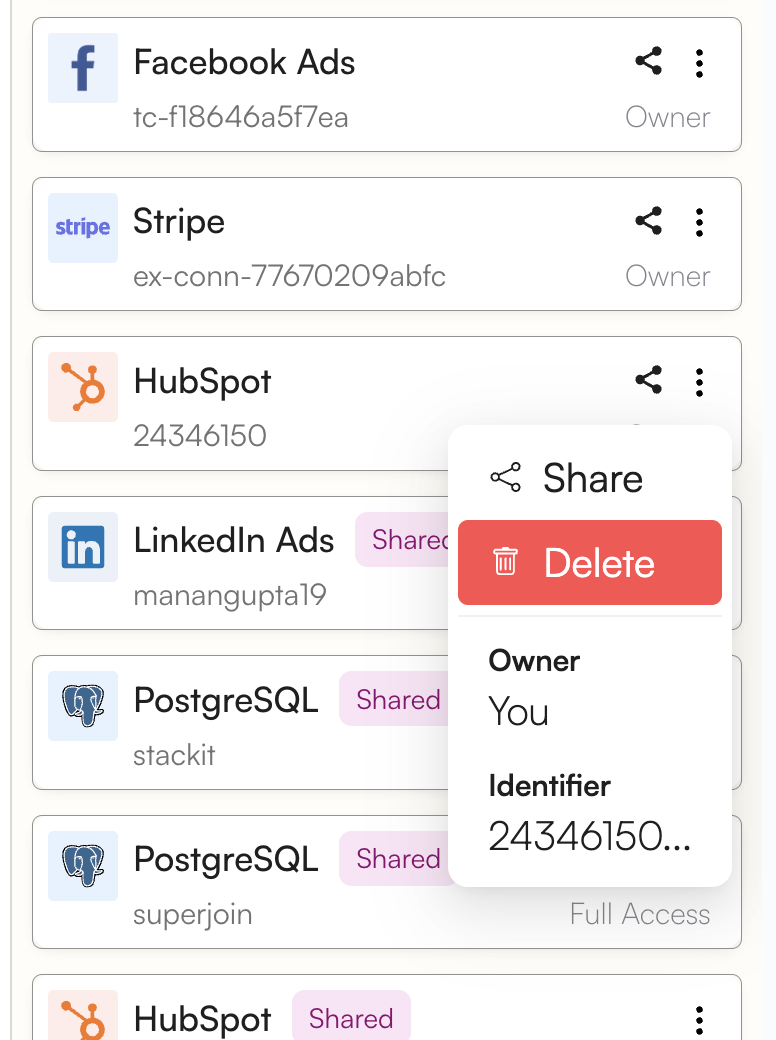
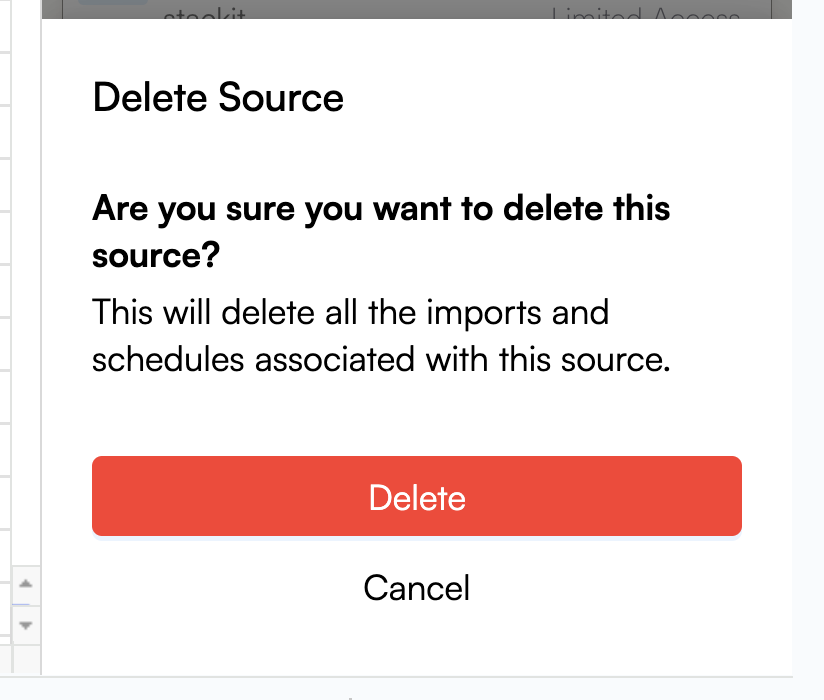
Please note that deleting a HubSpot connection from Superjoin is permanent. You may not be able to recover it again.
1
Go to 'Sources' in Superjoin
Launch Superjoin and Navigate to ‘Sources’ from the bottom navigation pane.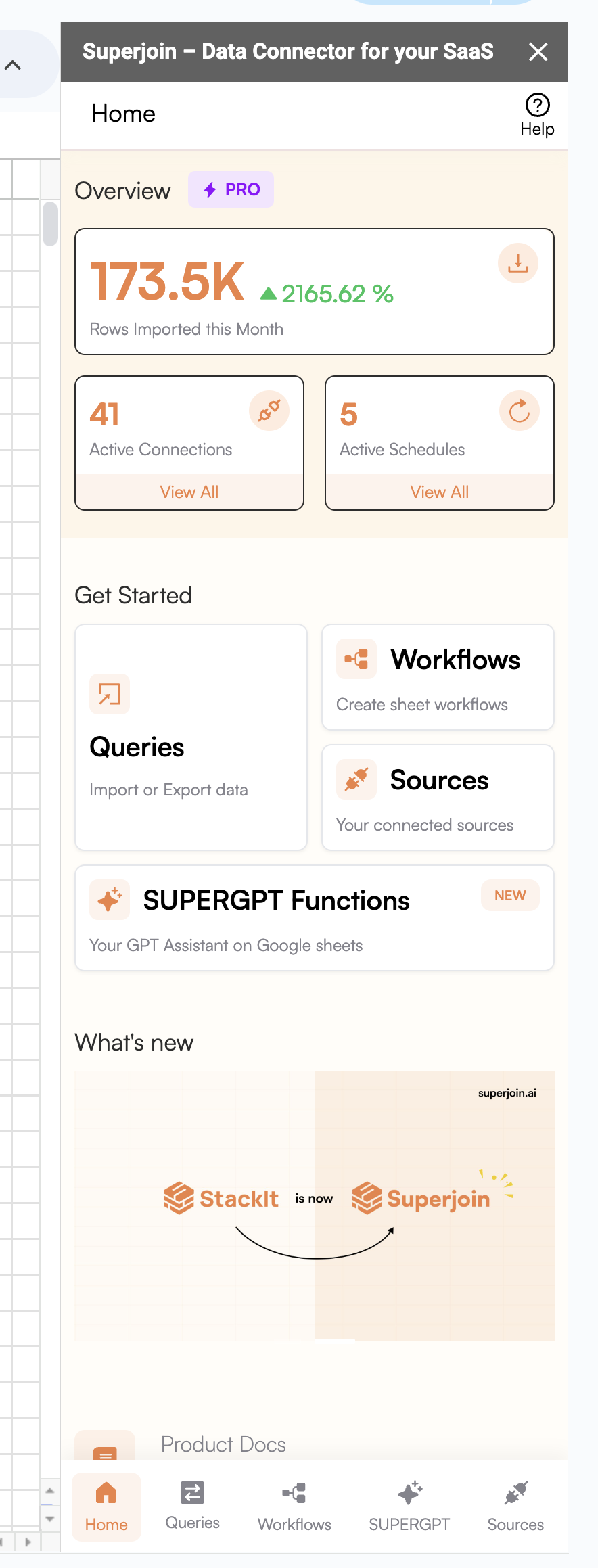
2
Delete the connection
Click on the 3-dot menu of the HubSpot account you wish to delete. Click on Delete and confirm it.